Make any photo brighter than white.
HDR screens can show highlights brighter than the white of this page. HDRPop adds that light to your photo: the glow you've seen on some iPhone and Instagram photos.
You can also drop or paste a photo anywhere on this page.
Free, no account. JPEG, PNG, WebP, TIFF or BMP, up to 20 MB.
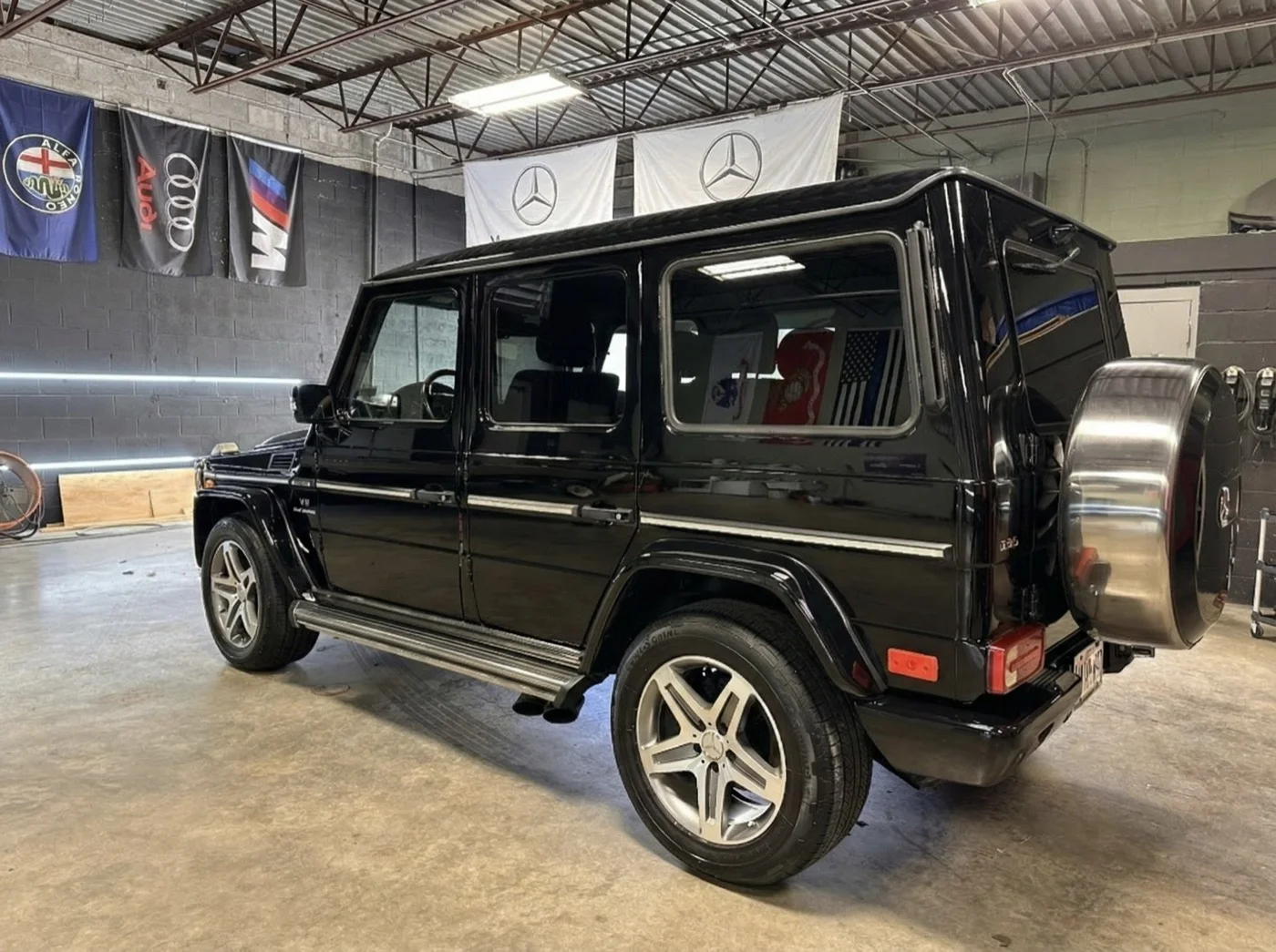
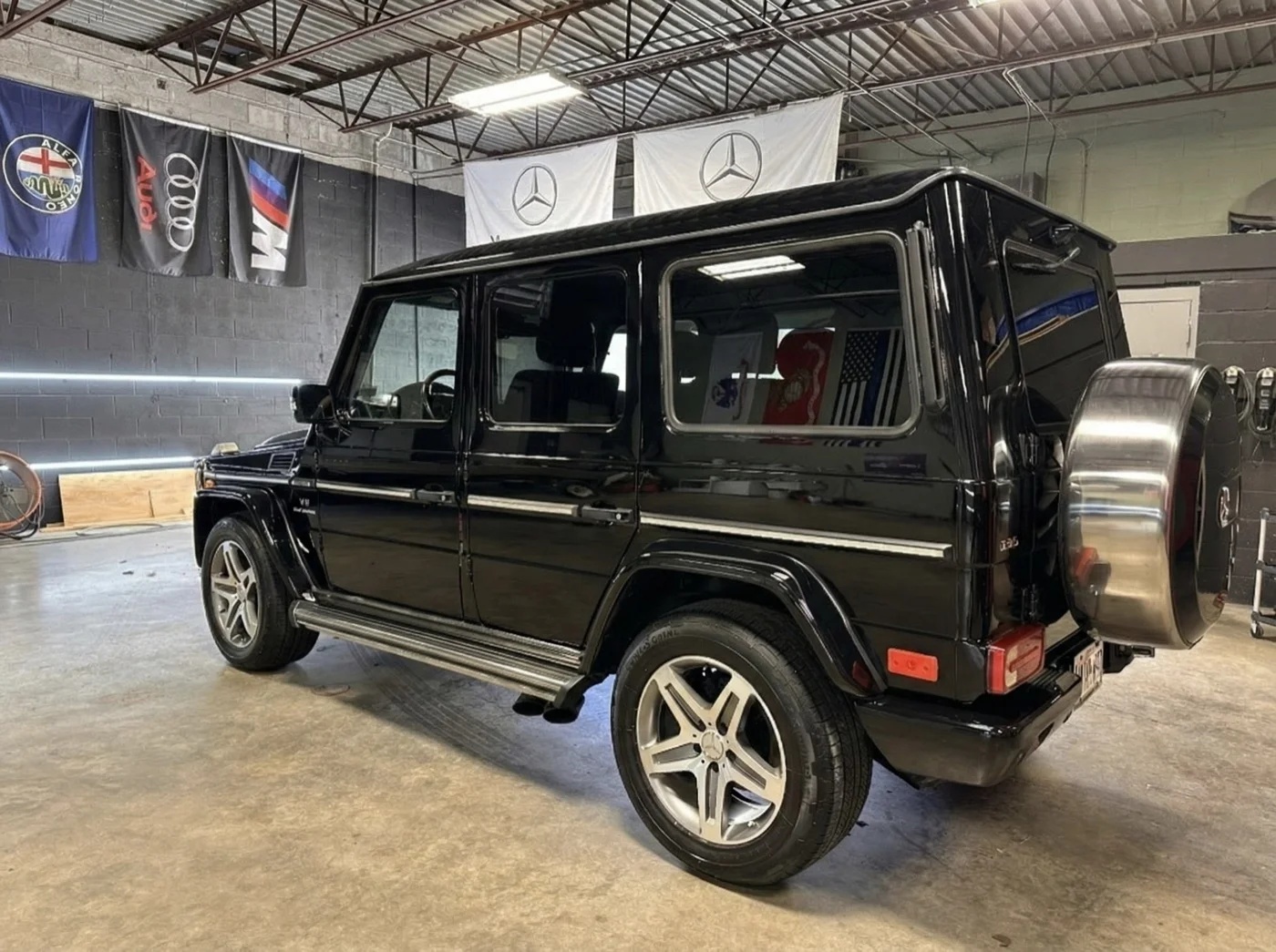
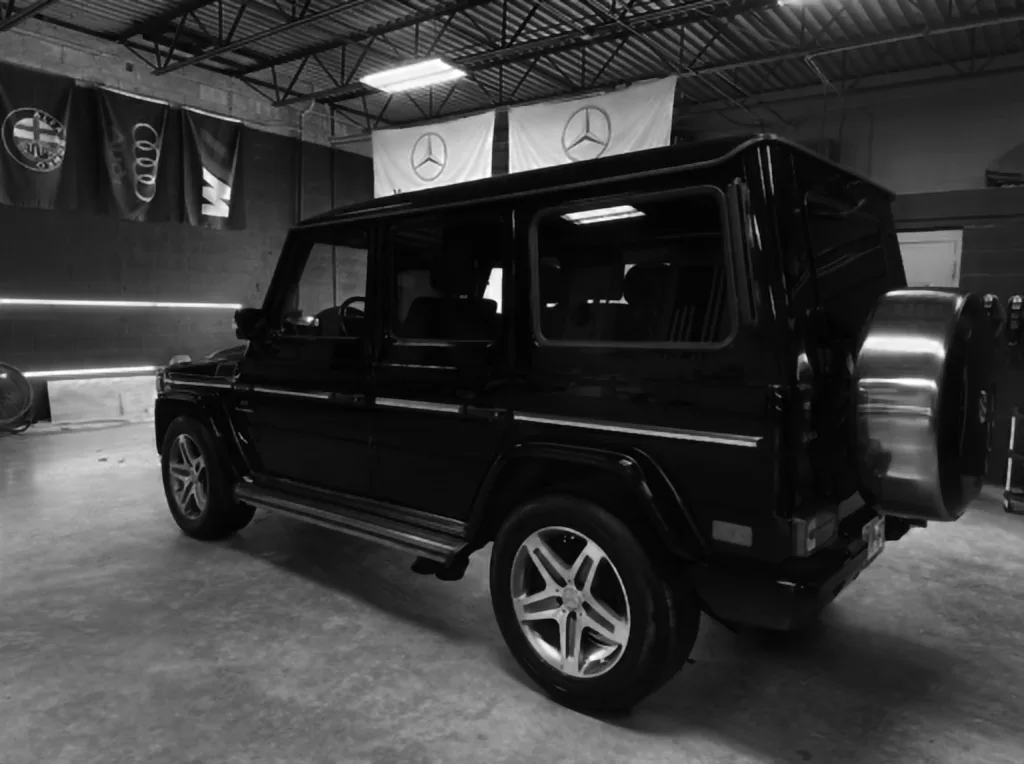
Example: a car under garage lights
What happens to your photo
An HDR photo is an ordinary JPEG with a second, hidden image inside called a gain map. It tells an HDR screen how much brighter than normal each part of the picture should be. Phones save one when they shoot HDR. Editing apps, AI tools and screenshots usually throw it away.
HDRPop makes a new one. A neural network looks at your photo and predicts where the light is: sky, sun, water, reflections, lamps. That prediction becomes the gain map, written into your JPEG in the standard format phones and browsers read (ISO 21496-1, also called Ultra HDR).
On a screen without HDR nothing changes, and the file looks like your original.
Where it glows
- iPhone and iPad
- Photos, Messages, Instagram and Threads, on models with an HDR screen.
- Mac
- Photos, Preview and Safari on a MacBook Pro, a Pro Display XDR or an HDR monitor.
- Android
- Android 14 and later, in Google Photos and apps that read Ultra HDR.
- Browsers
- Chrome and Edge on an HDR display.
- Everywhere else
- A normal JPEG. Nothing breaks, it just doesn't glow.
The technical part
- Model
- GMNet, from Learning Gain Map for Inverse Tone Mapping (Liao et al., ICLR 2025), real-world weights
- Output
- JPEG at quality 95 with an ISO 21496-1 gain map. The default ceiling is 3 stops; Strength ranges from 0.5 to 5.
- Input
- JPEG, PNG, WebP, TIFF or BMP, up to 20 MB and 24 megapixels. The long side is scaled to 4,096 px.
- API
- One photo per request, no key. Rate-limited to about 10 a minute per IP.
curl -F [email protected] https://hdrpop.com/convert -o photo-hdr.jpgThe pipeline, validation and failure modes are written up in How it works.
Questions
Is it really free?
Yes. There's no account, no watermark and nothing to pay for. Uploads are rate-limited per connection so the server stays up for everyone.
Why did my photo lose its HDR?
Most editing apps, AI image tools, screenshots and some messaging apps save a plain JPEG without the gain map. Here's why AI edits strip it.
Which photos work best?
Photos with real light in them: skies, sunsets, water, reflections, lamps, neon, chrome. Flat, evenly lit photos change the least.
Does it change how my photo looks?
Only on an HDR screen, where the brightest parts get brighter and the rest stays put. Everywhere else it looks like the original.
What happens to my upload?
It's processed on our server, and the download link works for 24 hours. Photos are never sold or used to train models. Details are in the privacy policy.
Can I do a batch?
Not in the browser yet. The API takes one photo per request, so a shell loop over the curl command above works.
Or drop one anywhere on this page.