See the HDR Difference
HDR photos display brighter highlights, deeper shadows, and more vibrant colors on compatible screens.
💡 Not seeing the HDR effect?
HDR requires a compatible display: iPhone XS+, Mac with XDR, Android 14+, or Chrome on HDR monitor. Don't worry — try a free conversion and download to your phone to see the full effect. The downloaded file works on any HDR-capable device.
Example Comparisons
Portrait Selfie
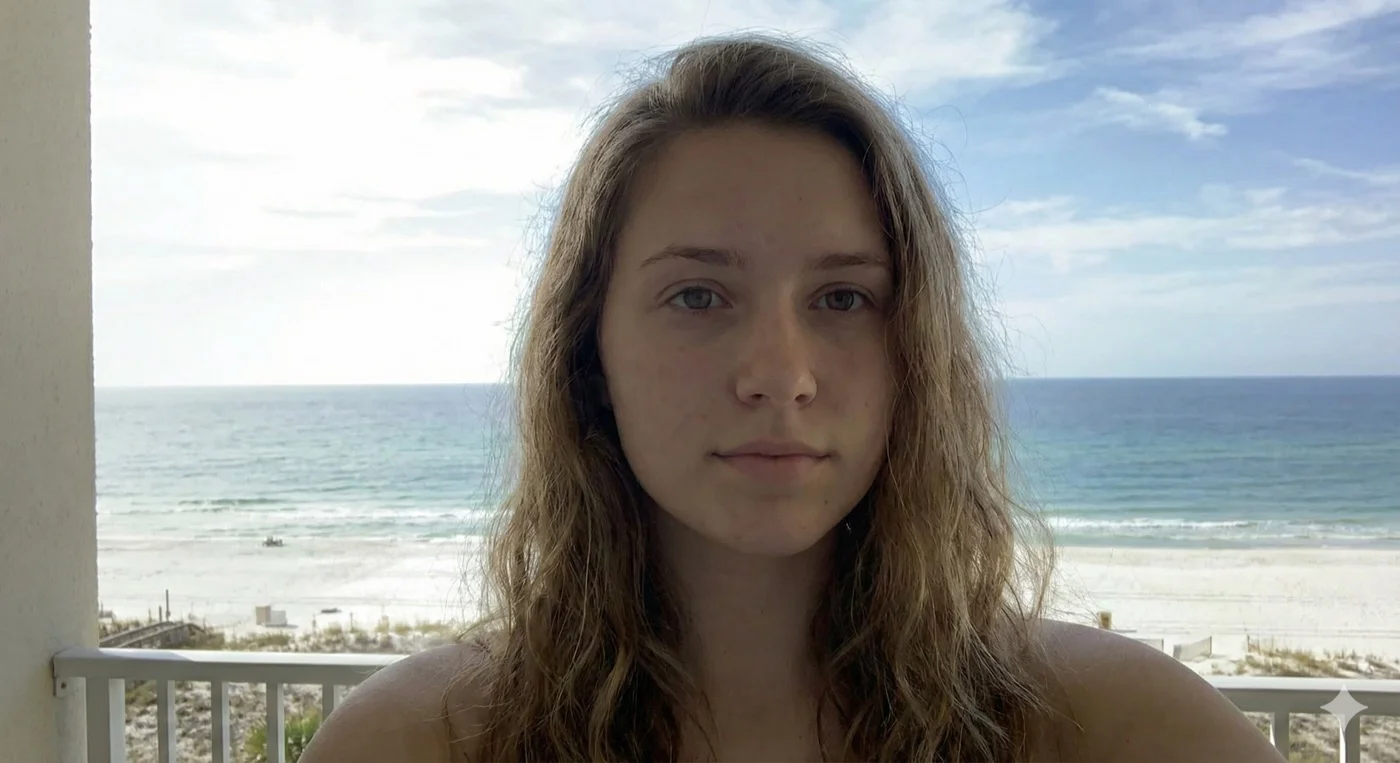

AI-generated portrait with natural lighting. HDR enhancement adds depth and vibrancy to skin tones and background.
Cafe Dinner
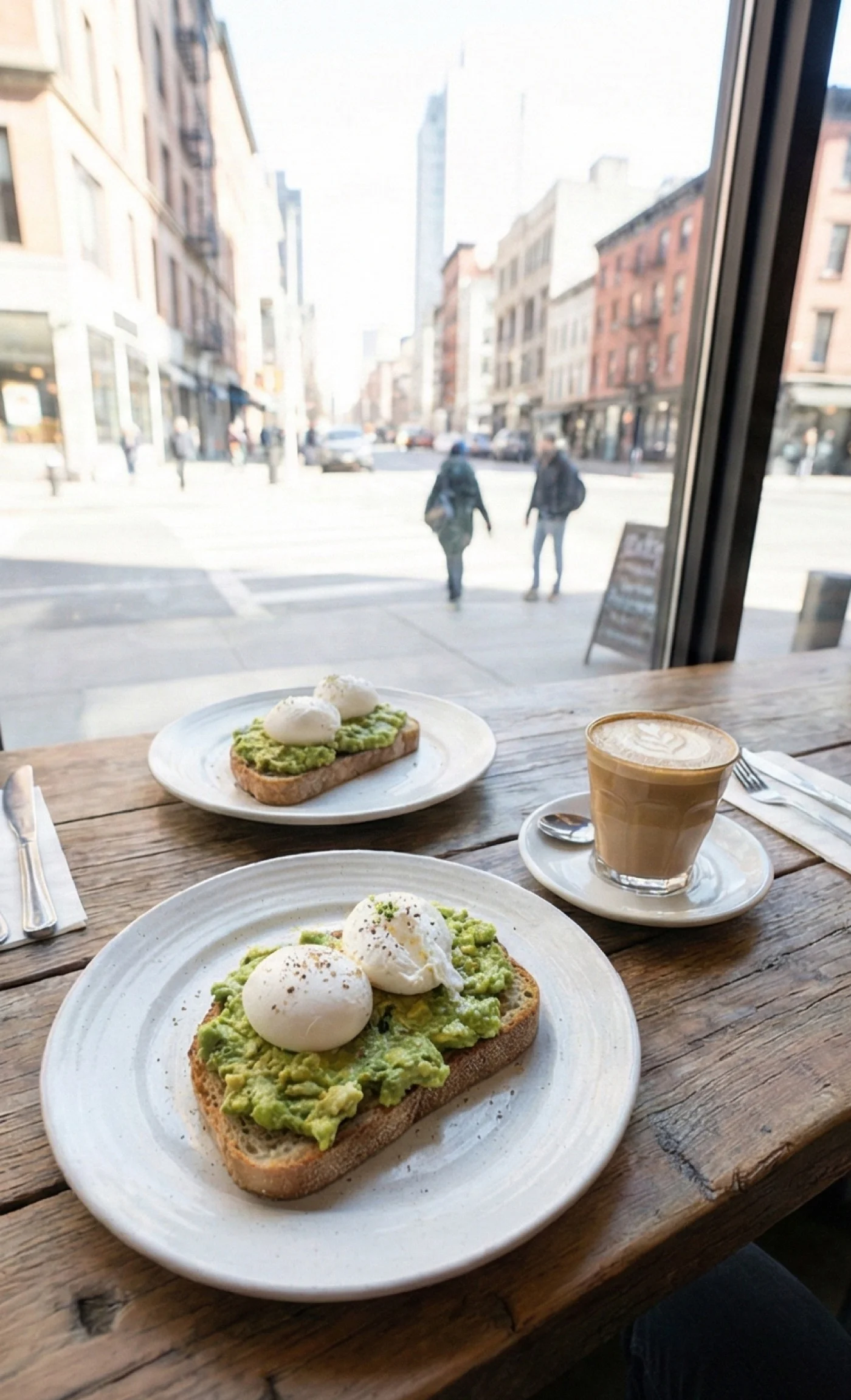
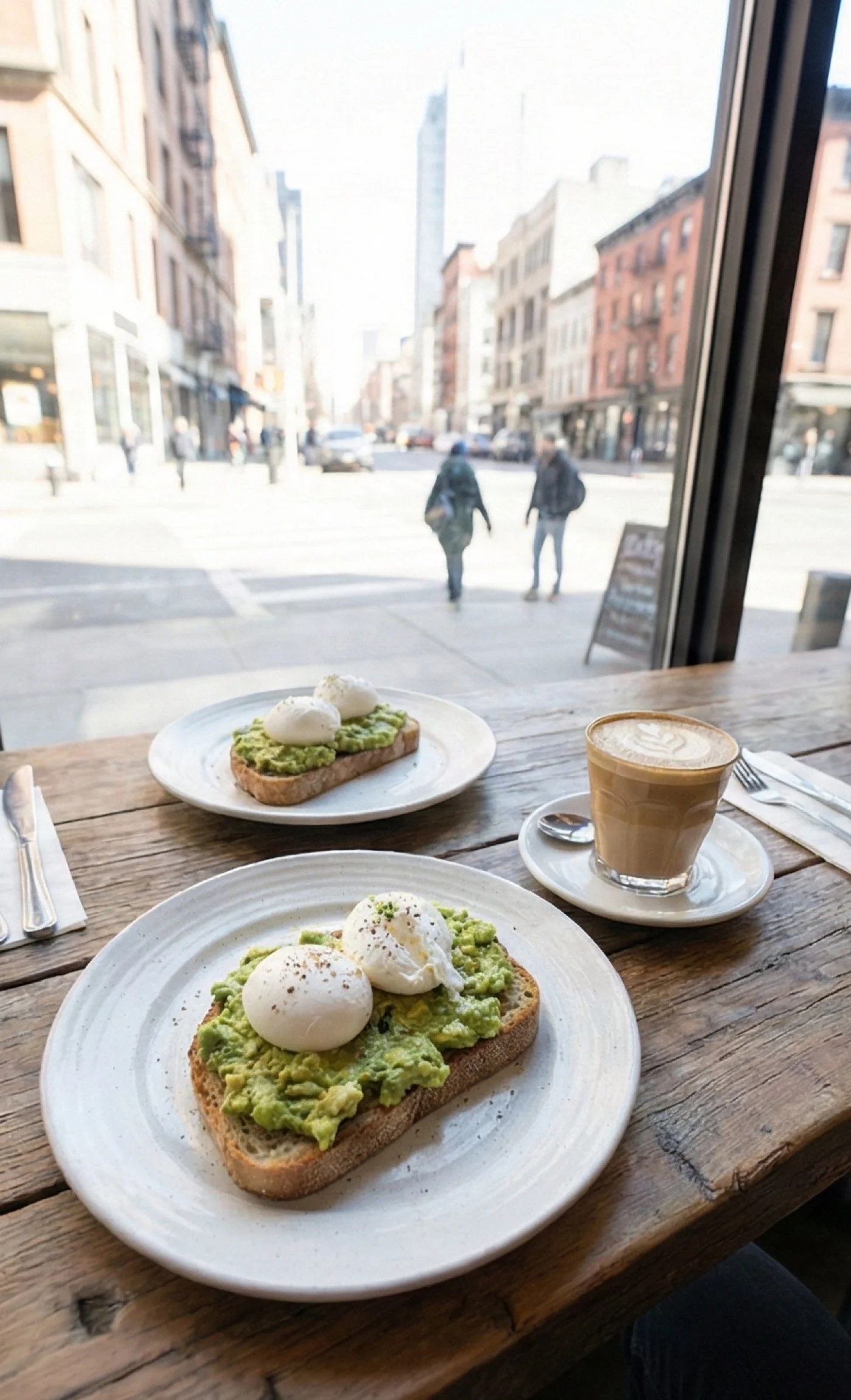
Indoor dining scene with mixed ambient lighting. HDR brings out warm tones and adds pop to highlights from candles and lamps.
G55 AMG Garage Detail


Freshly detailed G55 AMG in garage lighting. HDR brings out the paint's depth and reflections while balancing the mixed indoor/outdoor light.
Beach Day
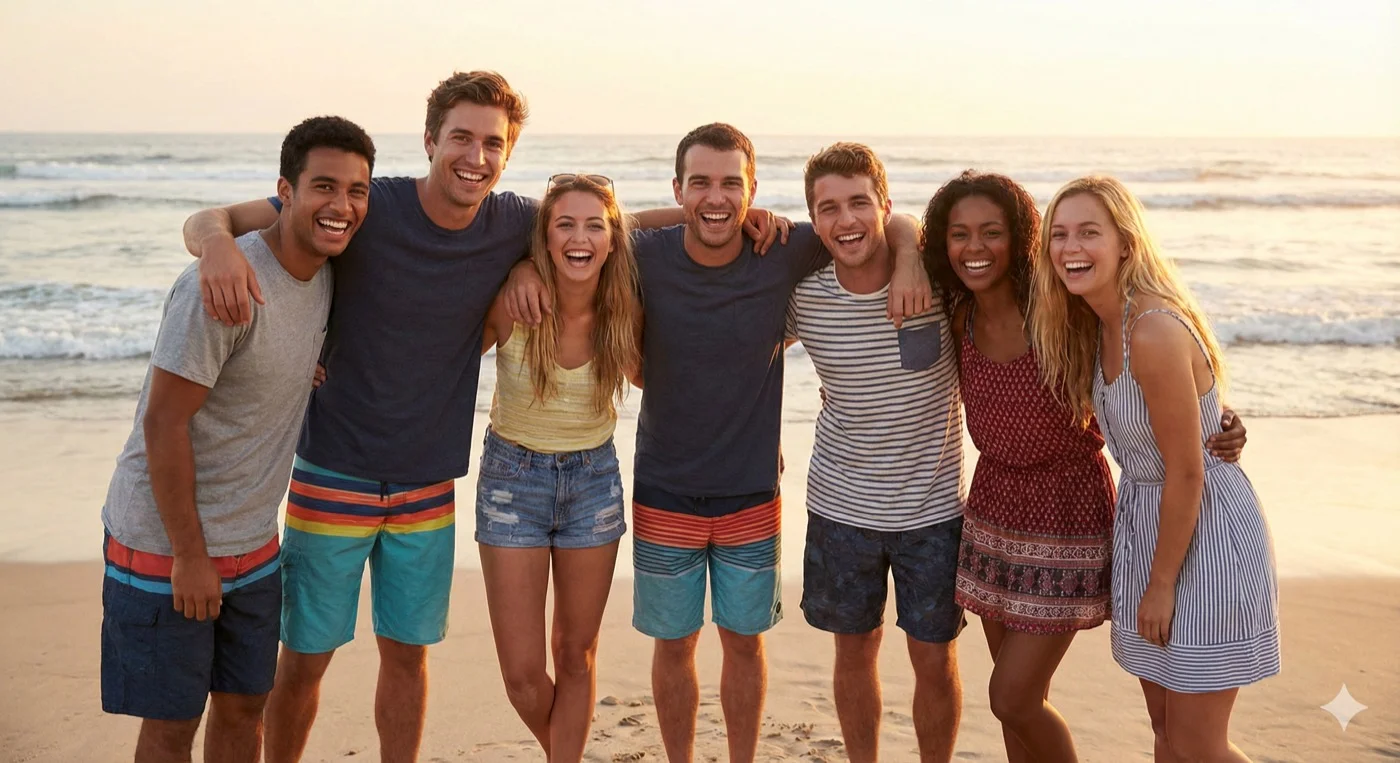

Bright beach scene with harsh daylight. HDR enhances the vibrant sky and water while balancing the exposure across the entire image.
📱 Important: HDR requires the right display
HDR effects are only visible on HDR-capable devices. On standard displays, HDR photos look like normal high-quality images—there's no downside, the enhancement just won't be visible.
Where to See HDR Effects
✅ HDR Supported
- iPhone XS and newer
- iPad Pro (2018+)
- MacBook Pro with XDR display
- Pro Display XDR
- Android 14+ devices
- macOS Preview app
- iOS Photos app
⚠️ Limited or No HDR
- Most web browsers (Chrome, Firefox, Safari)
- Older iPhones/iPads
- Standard LCD monitors
- Most Windows laptops
- Social media apps (compressed)
💡 Pro tip: Test on your device
The best way to see what HDRPop can do is to try it yourself. Upload a photo that was edited by an AI tool, download the result, and open it in your device's native photo app (not the browser). You'll see the difference immediately.